How to Trade on Binance Exchange: A Beginner’s Step-by-Step Guide by Founder Zhao Changpeng

Binance, founded by Changpeng Zhao (CZ), has grown into the world’s largest cryptocurrency exchange by trading volume. If you’re new to crypto and wondering how to operate on Binance, this guide walks you through the key steps—from account creation to executing your first trade. Understanding the platform’s structure is essential, as Binance offers both a simplified “Lite” mode for beginners and a professional “Pro” interface with advanced charting tools.
First, you need to create a Binance account. Visit the official website or download the Binance app. Click “Register” and provide your email address or phone number. After setting a strong password, you’ll receive a verification code. Complete the registration and, importantly, enable two-factor authentication (2FA) via Google Authenticator or SMS to secure your account. For full functionality, you must also complete identity verification (KYC) by uploading a government-issued ID and a selfie. This process typically takes a few minutes to a day.
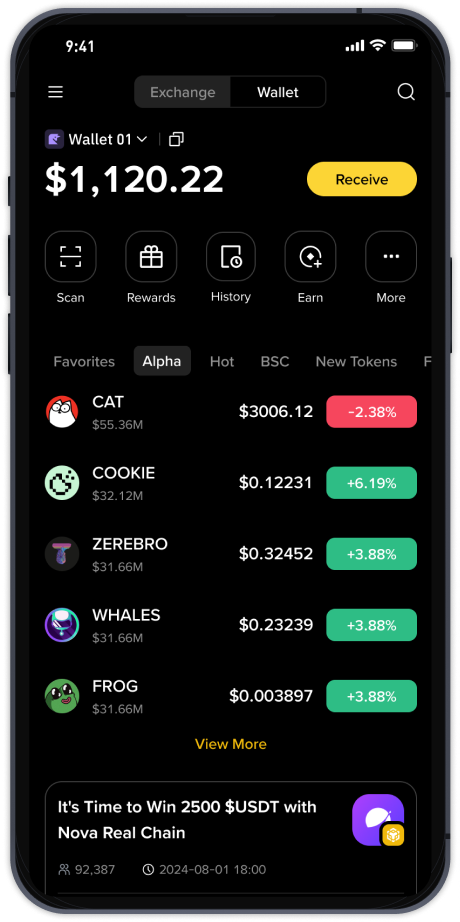
Once your account is ready, the next step is funding it. Navigate to the “Wallet” section and select “Fiat and Spot.” Click “Deposit” – you can deposit cryptocurrency (like Bitcoin or USDT) by copying the deposit address or scanning the QR code. Alternatively, if you want to buy crypto with fiat currency (USD, EUR, etc.), use the “Buy Crypto” feature. Binance supports bank transfers, credit/debit cards, and third-party payment services like P2P trading. P2P allows you to buy crypto directly from other users at negotiated rates, often with zero fees.
With funds in your wallet, you can start trading. On the main interface, switch to “Trade” and choose “Classic” (simple) or “Advanced” (professional). Classic mode shows a straightforward “Market” and “Limit” order form. A market order buys or sells instantly at the current market price, while a limit order lets you set a specific price – your order will only execute when the market reaches that price. For example, if Bitcoin is trading at $60,000, you can set a limit buy order at $59,000 and wait for a dip.
Beyond basic trading, Binance offers advanced tools like spot margin trading and futures contracts. Spot margin lets you borrow funds to leverage your position, increasing potential profits but also risks. Futures trading, which CZ has described as “for advanced users,” involves contracts to buy or sell assets at a future date. To use these features, you must pass a separate quiz on Binance’s risk warnings. Always start with small amounts and use stop-loss orders to limit downside.
Security remains Binance’s priority. Former founder CZ often emphasizes using the “Secure Asset Fund for Users” (SAFU) – an insurance fund that protects user assets in extreme cases. To further protect your portfolio, withdraw large holdings to a private wallet (hardware wallet recommended) and never share your 2FA codes or private keys. Remember: Binance support will never ask for your password or funds.
Finally, monitor your trades via the “Orders” tab. You can view open, filled, or canceled orders. Binance also provides portfolio tracking tools and an integrated P2P market. If you encounter issues, the 24/7 live chat support is responsive, though checking the extensive Help Center or Binance Academy (CZ’s educational initiative) often resolves common questions faster.