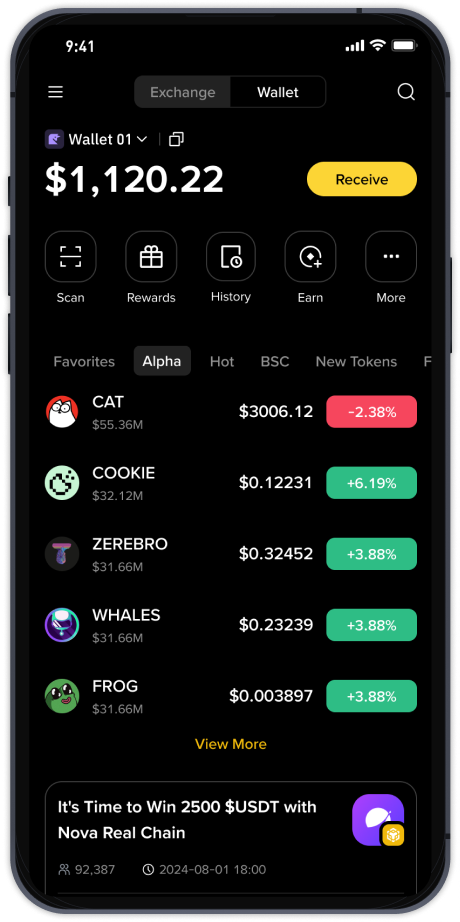
How to Transfer Crypto from TP Wallet to Binance: A Step-by-Step Guide for Secure Token Migration

If you are holding digital assets in a TP Wallet and looking to trade or cash out them on Binance, the process is straightforward but requires careful attention to network selection and address accuracy. TP Wallet, a multi-chain decentralized wallet, supports tokens on various blockchains including BSC, Ethereum, Polygon, and TRON. Binance, as a centralized exchange, provides deposit addresses for each supported network. Understanding how to match these correctly is the key to a successful transfer.
First, open your Binance account and navigate to the "Deposit" section. Locate the specific token you want to transfer, for example USDT or BNB. Binance will display a deposit address and, crucially, a drop-down menu for selecting the network. Choose the same network that you are using in TP Wallet. For example, if your tokens are on the BNB Smart Chain (BEP-20) in TP Wallet, you must select BSC (BEP-20) on Binance. Using the wrong network, such as sending TRC-20 tokens to a BEP-20 address, will result in permanent loss of funds.
Once you have the correct deposit address and network selected on Binance, copy the address. Then, open your TP Wallet. Find the token you intend to send and tap "Send" or "Transfer". Paste the Binance deposit address into the recipient field. Double-check that the address is exactly the same—you can compare the first few and last few characters to ensure no typos. Next, select the network again. In TP Wallet, the network should match exactly what you chose on Binance. If you are sending USDT, TP Wallet may show multiple network options like BSC, ETH, or TRON. Pick the one that matches your Binance selection.
After confirming the network, enter the amount. Be aware that both TP Wallet and Binance charge network fees. TP Wallet may require a small amount of native coin (e.g., BNB for BSC or TRX for TRON) to pay the gas fee. Make sure you have enough native coin in your TP Wallet to cover this. For instance, if you are sending a token on the BSC network, you must have at least 0.01 BNB in your TP Wallet to pay the transaction fee. Without this balance, the transfer will fail.
Finally, review all details: receiving address, network, amount, and gas fee. Confirm the transaction in TP Wallet. The transaction will be broadcast to the blockchain. Depending on network congestion, it may take from a few seconds to several minutes. On Binance, go to your "Deposit History" to monitor the status. Once the network confirms the transaction, your tokens will appear in your Binance account. You can then use them for trading on the Binance spot market, convert them to other pairs, or withdraw to another platform.
To use Binance after the transfer, simply navigate to the "Trade" section. You can place market orders, limit orders, or use advanced features like margin and futures. Always verify that you have sufficient funds in your spot wallet before placing any trade. If you plan to transfer tokens back to TP Wallet in the future, repeat the same process in reverse: generate a deposit address from TP Wallet and send from Binance, again ensuring network compatibility.
Remember that security is paramount. Never share your private keys, seed phrases, or Binance login credentials. Use official websites and app platforms to download TP Wallet and access Binance. With careful attention to network choices and address verification, moving tokens between TP Wallet and Binance is a reliable way to manage your digital assets across decentralized and centralized ecosystems.