How to Transfer Crypto from Binance Wallet to OKX Exchange: A Step-by-Step Guide

For cryptocurrency users managing assets across multiple platforms, moving funds from a Binance wallet to an OKX exchange account is a common but sometimes confusing process. The key question many ask is: "Can I use the tokens in my Binance wallet directly on OKX?" The short answer is yes, but only after completing a proper transfer. This guide breaks down exactly how to do it, focusing on the essential steps, common pitfalls, and practical tips to ensure your assets arrive safely.
First, understand the difference between a Binance wallet and a Binance exchange account. Your Binance wallet is typically a self-custodial wallet (like Binance Web3 Wallet or Trust Wallet) where you hold your private keys. An OKX exchange account, on the other hand, is a centralized platform where you trade. To move your crypto from your Binance wallet to OKX, you must initiate a withdrawal from the wallet and deposit it into your OKX account.
Start by logging into your OKX account. Navigate to "Assets" and then "Deposit." Select the cryptocurrency you want to transfer (e.g., USDT, BTC, or ETH). Crucially, choose the correct blockchain network. This is the most common source of errors. For example, if you are sending USDT, OKX offers networks like ERC20, BEP20, TRC20, and others. You must select the same network that your Binance wallet supports. Copy the deposit address provided by OKX. Double-check it—even a single character mistake can lose your funds permanently.
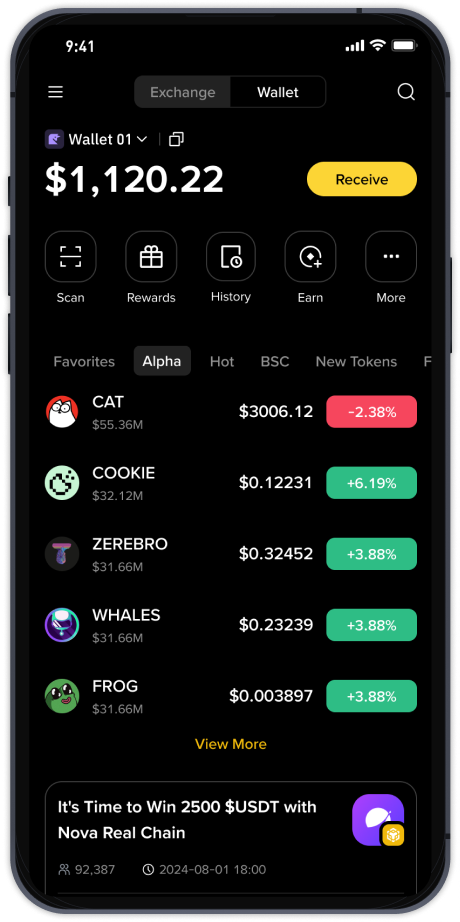
Now, open your Binance wallet (or connected Web3 wallet). Go to the "Send" or "Transfer" function. Paste the OKX deposit address you copied. Enter the exact amount you wish to send. Be aware of network fees—some networks like Ethereum become expensive during peak times. After entering the details, review the transaction. Verify the address, the network, and the amount. Confirm the transaction. Depending on the network, this may take a few minutes to several minutes to process.
Once the transaction is broadcasted to the blockchain, you can track its status on a block explorer like Etherscan or BscScan. Back on OKX, you will see the deposit appear once the network confirms the transaction. Some assets require multiple confirmations before they become available for trading, so patience is needed. If you do not see the funds after a reasonable time, check the transaction hash and contact OKX support with that proof.
A critical keyword expansion: "binance币安钱包的币能转到OK交易所怎么用" translates to "how to use tokens from Binance wallet to transfer to OK exchange." This involves understanding wallet-to-exchange transfers, network compatibility, and deposit procedures. Always remember that you never "use" the wallet directly on the exchange; you have to move the assets. Security is paramount: never share your private keys or seed phrase, and always verify addresses against phishing attempts. By following these steps, you can efficiently manage cross-platform liquidity and avoid unnecessary fees or delays.