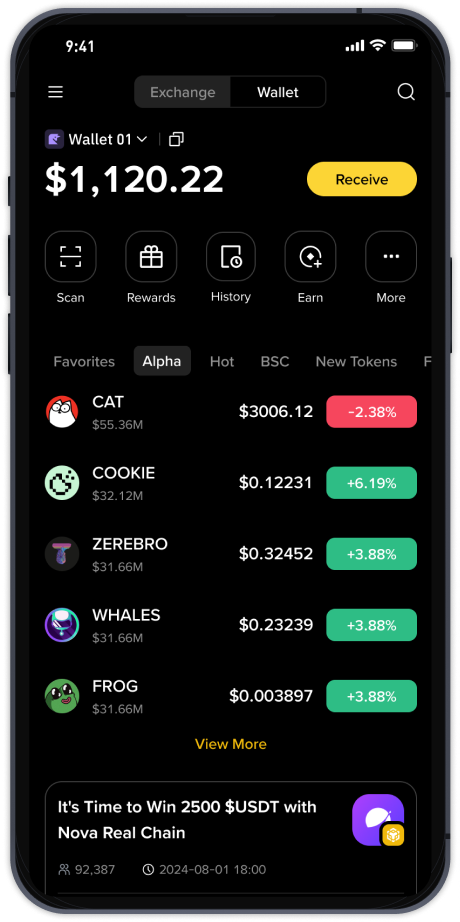
How to Withdraw Funds from Binance Official Exchange: A Step-by-Step Guide for Beginners

Withdrawing funds from the Binance official exchange is a straightforward process once you understand the key steps and security measures. Whether you are cashing out your cryptocurrency to a bank account or transferring digital assets to an external wallet, Binance provides a user-friendly interface designed for both beginners and experienced traders. This guide will walk you through the essential procedures to ensure a smooth and secure withdrawal experience.
First, log in to your Binance account and navigate to the “Wallet” section. From the dropdown menu, select “Withdraw.” You will then be presented with two main options: withdrawing fiat currency (such as USD, EUR, or GBP) or withdrawing cryptocurrency (like Bitcoin, Ethereum, or USDT). If you are looking to cash out to your bank, choose the “Fiat” tab. Binance supports multiple fiat withdrawal methods, including bank transfers, wire transfers, and third-party payment channels. The availability of these options depends on your region and verification level.
For cryptocurrency withdrawals, select the “Crypto” tab and choose the coin you wish to send. You will need to enter the recipient’s wallet address carefully. A single typo can result in the permanent loss of your funds. To avoid errors, Binance recommends using the “Scan to Copy” feature if you are using a mobile device, or manually copying and double-checking the address. Additionally, select the correct network for the transaction (e.g., ERC20 for Ethereum, BEP20 for Binance Smart Chain). Using the wrong network can also lead to lost funds.
After entering the address and amount, you will need to complete a security verification process. This typically includes two-factor authentication (2FA) via Google Authenticator or SMS, as well as an email confirmation. For larger withdrawals, Binance may require an additional security check, such as a video call or identity verification. These measures are in place to protect your account from unauthorized access. Once verified, review the withdrawal fee—which varies by cryptocurrency and network—and confirm the transaction.
When withdrawing fiat currency, the process is similar but involves linking your bank account. Binance will ask for your bank details, including the account number, routing number (for US accounts), and the beneficiary name, which must match your verified Binance account name. Processing times for fiat withdrawals can range from a few minutes to several business days, depending on the method and your bank’s policies. Cryptocurrency withdrawals, on the other hand, are typically processed within minutes once the blockchain confirms the transaction.
To ensure your withdrawal is successful, always check the minimum and maximum withdrawal limits for your asset. Binance displays these limits clearly on the withdrawal page. If you are a new user, you may have lower daily withdrawal limits until your account is fully verified. Completing KYC (Know Your Customer) verification will unlock higher limits and additional withdrawal methods. Furthermore, be aware of any network congestion that may cause delays. For urgent withdrawals, consider using a faster and more expensive network option, such as BEP-20 instead of ERC-20.
Finally, after initiating the withdrawal, you can track its status under the “Transaction History” or “Withdrawal History” section of your Binance account. You will see the transaction hash, which you can use to monitor progress on the blockchain explorer. If your withdrawal is delayed for more than expected, contact Binance customer support through the official help center. Avoid reaching out to support on social media or third-party platforms, as scammers often impersonate Binance representatives. By following these steps and staying vigilant, you can withdraw your funds from Binance safely and efficiently.