How to Withdraw Funds from Binance Exchange: A Step-by-Step Guide for Beginners

Cryptocurrency trading platforms like Binance offer powerful tools for buying, selling, and storing digital assets. However, one of the most common questions new users ask is about the withdrawal process. Understanding how to withdraw funds from the Binance exchange is essential whether you want to transfer your crypto to a private wallet or cash out to fiat currency. This guide will walk you through the entire process, ensuring you can securely and efficiently access your funds.
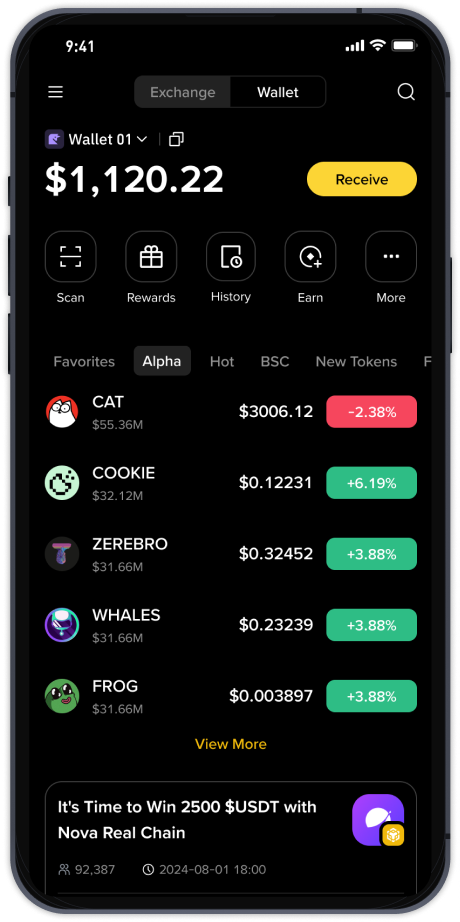
The first step involves logging into your Binance account. Once inside the main dashboard, locate and click on the "Wallet" tab, usually found in the top right corner of the screen. From the dropdown menu, select "Fiat and Spot" to see the full list of your available assets. Here, you can see every cryptocurrency, stablecoin, or fiat currency you hold. Find the specific asset you wish to withdraw—for example, Bitcoin, Ethereum, or USDT—and click the "Withdraw" button next to it.
Before proceeding, ensure you are using a secure and correct address. If you are withdrawing to an external cryptocurrency wallet (such as MetaMask, Ledger, or a hardware wallet), you must copy the receiving address precisely. Binance will prompt you to select the correct network type—such as ERC20, BEP2, BEP20, or TRC20. This is a critical step because sending funds on the wrong network can result in permanent loss. Always double-check that the wallet you are sending to supports the network you choose.
Next, enter the amount you wish to withdraw. Binance will show you the estimated network fee, the minimum withdrawal limit, and the final amount you will receive. Review these numbers carefully. For fiat currency withdrawals, the process is a bit different. Depending on your account verification level and country of residence, you may be able to withdraw directly to your bank account via bank transfer (SEPA, ACH, etc.) or through third-party payment providers. Look for the "Fiat" withdrawal option and select your preferred method.
One of the most common problems users encounter during withdrawals is failing to meet the required security checks. To protect your assets, Binance will ask for two-factor authentication (2FA). This can be a code from the Google Authenticator app, a mobile SMS code, or an email confirmation. You may also need to complete a withdrawal address whitelist verification if you have enabled that security feature. Make sure all your 2FA devices are ready before starting the withdrawal.
After submitting the withdrawal request, the transaction may take a few minutes to several hours to process, depending on network congestion and the specific blockchain used. For example, Bitcoin withdrawals can be slower if the Bitcoin network is busy, while BEP20 transfers are typically faster. You can track the status of your withdrawal inside the "Transaction History" section under the Wallet tab. Once the blockchain confirms the transaction, your funds will appear in the external wallet or bank account.
For complete beginners, it is highly recommended to start with a small test withdrawal before moving larger sums. This allows you to confirm that the address and network are correct without risking significant funds. If you encounter errors such as "address not valid" or "network mismatch", pause the process and verify all details again. Binance's customer support can assist if you are certain the information is correct but the system refuses the withdrawal.
In summary, withdrawing from the Binance exchange is a straightforward but precise procedure. The key steps include logging in, navigating to the Fiat and Spot wallet, choosing the asset, entering the correct address and network, completing security verification, and waiting for the transaction to process. By following these steps and always prioritizing security—such as using whitelisted addresses and avoiding public Wi-Fi—you can confidently manage your funds and move them wherever you need them.